Contents

For most of us, storage is an unavoidable part of the workflow. Many creatives don’t see having a NAS as a luxury, but rather as a necessity. Small studios and teams rely on having a server to be able to access shared files fast and on the go. Having an SSD-powered NAS can be the heart of a small production, but can it handle what is needed from a modern team? I tested it out.
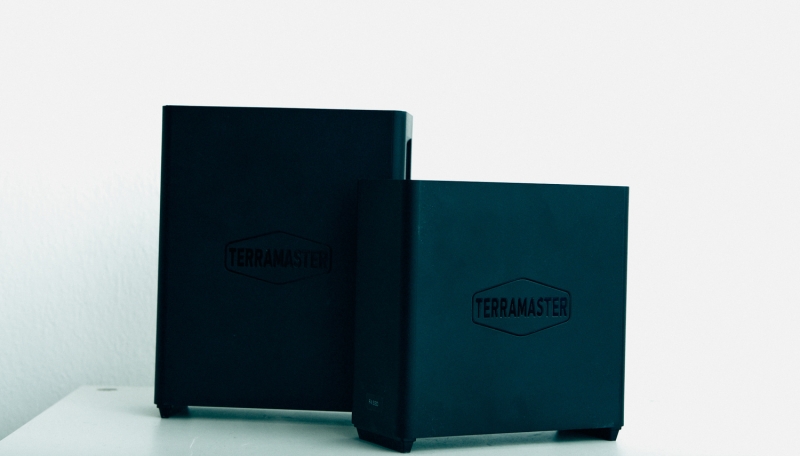
When choosing a NAS, there seem to be more options than you can ever need. Some offer performance, while others offer affordability. The TerraMaster F4 SSD NAS is somewhere in between. It’s quite affordable, but then again, it doesn’t offer the highest performance when compared to the F8 NAS. At the same time, it’s smaller, quieter, and cheaper.
Build Quality
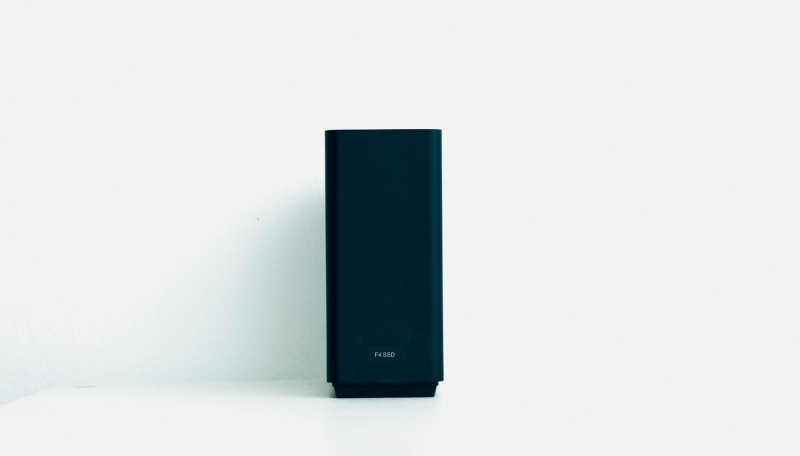
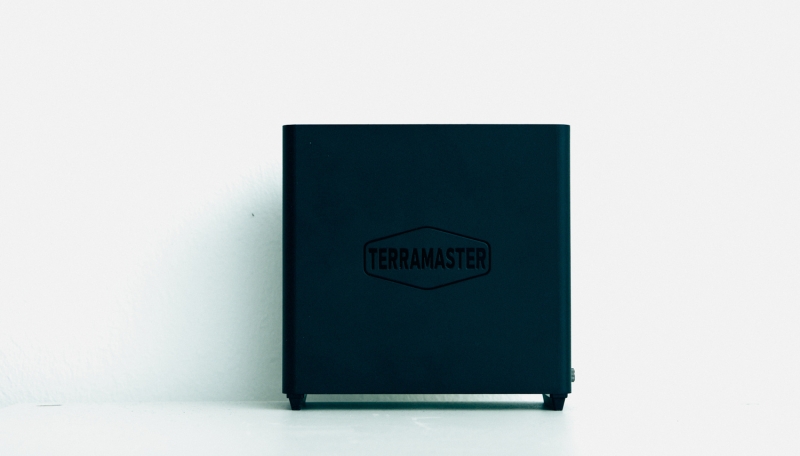
The Terramaster F4 SSD NAS ships in a small, unassuming box that contains the device itself, a few tools for assembly and installation, cables, and, of course, manuals. The unit itself is made from plastic and has two rubber legs at the bottom to make sure the NAS stays put on the surface. They also elevate the enclosure itself to allow room for airflow through the bottom of the device. The grates on the top and the bottom help with cooling, as SSDs are known for producing a lot of heat. It’s great to see active cooling, even in a device that probably won’t see extremely heavy use over its lifetime. You will definitely know the fans are there, especially if they are spinning at full speed. I wouldn’t describe it as loud, but it’s not silent either. Overall, it measures like a small book, at 138 x 60 x 140 mm, which is quite small and convenient for most tables. It’s small enough to not take up too much space or attention on your desk, but large enough to allow for plenty of cooling. If you are comparing it to the F8 NAS, the F4 is going to have the same base and width, but it will be about 30% shorter.
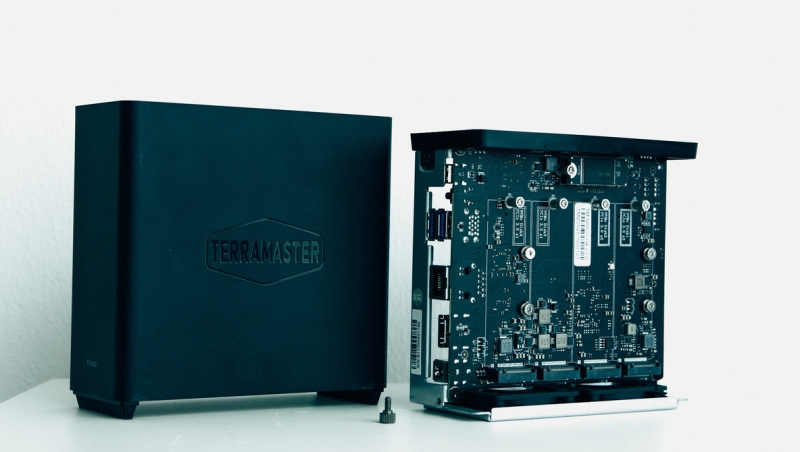
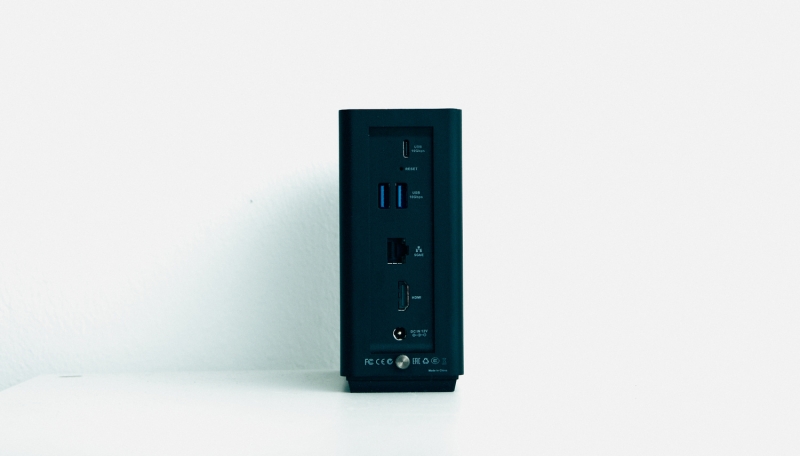
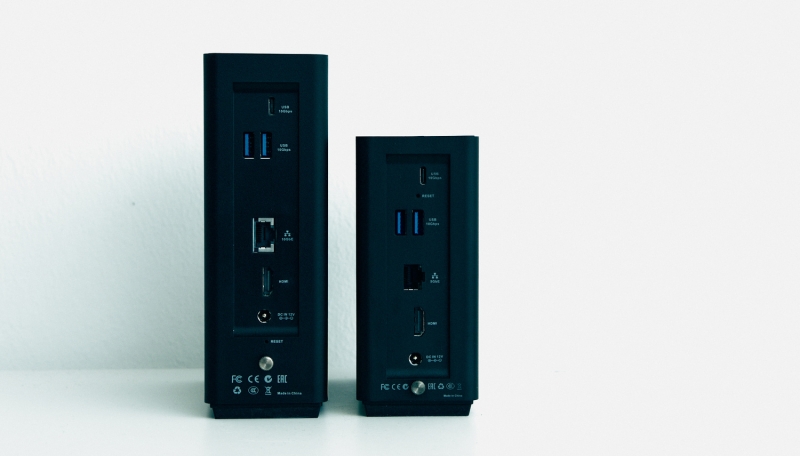
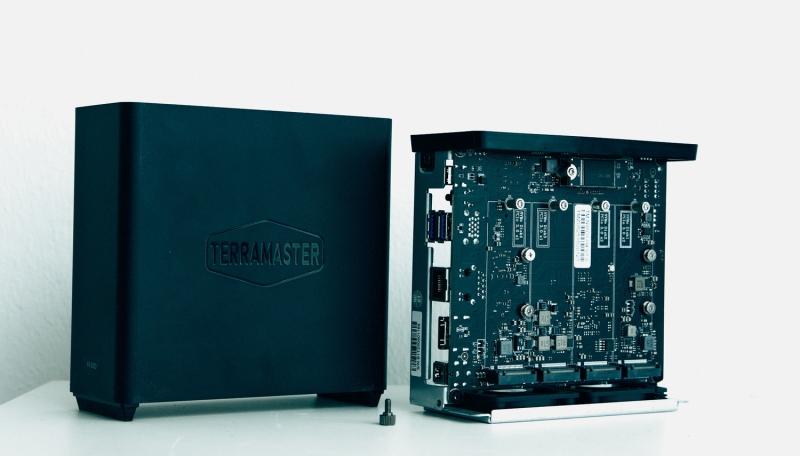
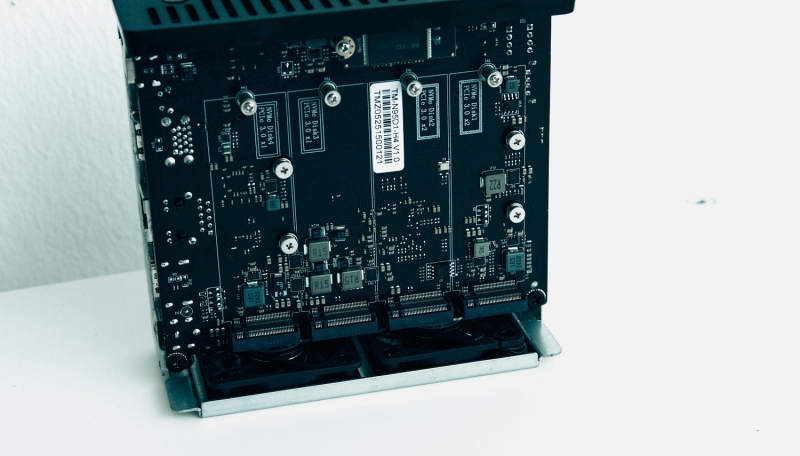
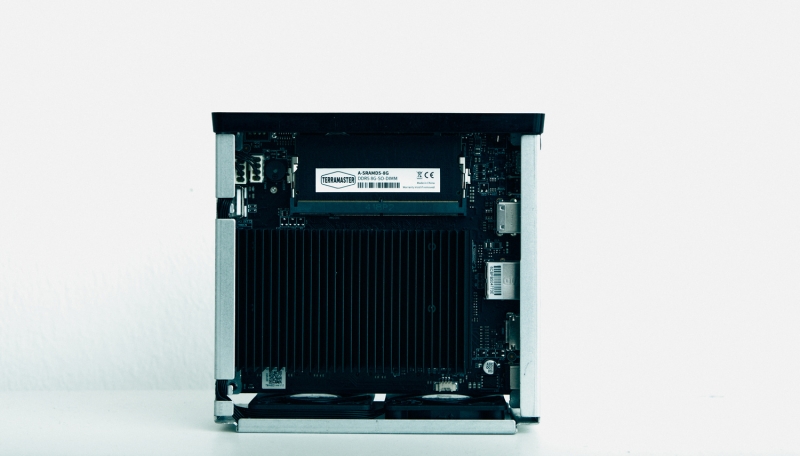
On the back of the NAS, you will find several ports: DC input, HDMI, 5 Gb Ethernet, USB-A, and USB-C. Both USB ports are capable of 10 Gbps transfer speeds. Another curious feature on the back is the screw that keeps the NAS closed. Unscrew it, and you get access to the internals of the NAS. Inside, you find a fairly simple and common motherboard. It features 4 x M.2 NVMe SSD slots, just like in the big brother F8 (which, however, has 8 of them). Each one is able to house an 8 TB drive, making the entire unit capable of having 32 TB of storage.
Installing the SSDs is a straightforward process. Attach the included heatsink, unscrew a screw on the motherboard, slot the drive in, and secure it with a single screw. This is a very user-friendly approach to the SSD installation process, which is always good to see. This is a fairly standard mounting procedure for an SSD, meaning that most users will likely be familiar with it.
Performance and Ease of Use
I want to preface this section by describing what kind of user I am. I am as far as you can possibly get from an IT specialist. As such, I will happily trade custom functionality for ease of use. What I care about the most is efficiency, speed, and ease of use. Tech I love is tech that allows me to not notice it’s there. In my opinion, tech is supposed to make your life easier, not harder. My opinions are based on what I found using the device, not on what benchmarks show. But at the same time, I think most users are like this.
The F4 SSD NAS is powered by an Intel N95 quad-core processor and has 8 GB of DDR5 RAM, which can be extended to 32 GB. This is all great, but what does it mean? This setup will be suitable for those of us who need to run simultaneous photo backups, share files over the network, etc. The CPU power is adequate but modest for demanding workflows. It’s simply not fit for heavy workflows, for example, when running multiple applications.
That said, the real bottleneck is the 5 GbE port, which may slow down your workflow. While the internals are more than enough for fast workflows, it’s the connection that is a bottleneck here, as you won’t be able to take full advantage of the SSDs inside your NAS. Having upgraded my network to 10 GbE standards, I definitely noticed that the NAS is simply not able to keep up with the speeds I was trying to push through it. That said, it sustained the advertised 5 GbE speed reasonably well.
What this means for me is that this NAS is best suited for lighter usage, for example, if you have a moderate internet connection and don’t need to push for high speeds in your editing workflow. It’s absolutely fine for photo editing, but as for video, I can’t say the same. Video workflows are where you need the best performance, which you will find in the F8, as it comes with a 10 GbE port and more powerful internals.
What I Liked
- Price
- Design
- Ease of setup
What Could Be Improved
- Speed
Closing Thoughts
So who is the Terramaster F4 SSD NAS for? In short, it’s for a solo creative or a small studio that needs a reasonably quick and quiet NAS to store and work on files without spending too much. It won’t break any speed records, but it doesn’t need to if you are editing photos or doing light video work. The 5 GbE port is the biggest drawback for me, which is why I would opt for the F8 NAS, seeing as my workloads are heavier than usual these days. The best way to sum up this NAS is by calling it a practical performer. It has a good balance of performance and speed, making it a good choice for a lot of creatives. It proves that an SSD NAS doesn’t have to be expensive or intimidating to fit into a professional workflow.